If you are reading this from an office setting and are looking for more information on GGUF, there is a really important word you need to familiarize yourself with:
CAUTION!
All caps, exclamation point: CAUTION.
GGUF stands for "GPT-Generated Unified Format." It is techno-jargon, for sure, but here is the thing: the AI world is on a noble path to get massive models to run on smaller, cheaper hardware. It is quite possibly one of AI's most important areas of invention right now, and GGUF is at the center of it.
What is it? You take a big model in its native format and crunch it down into a GGUF. This format allows you to do things like run an AI on a standard CPU instead of an expensive GPU. It is incredible for solo users. If you want to put a model onto a phone, an old server, or your laptop, GGUF is how you do it. It shrinks the file size and manages the workloads brilliantly.
So, what's the problem? In a word: provenance.
Provenance is the verifiable chronological record of the origin, history, ownership, and transformations of a model.
The standard workflow goes like this: models are released by their original builders, like Meta or Mistral. Then, they are converted to GGUF and published by third-party tinkerers. You can just go online, download, and run the published GGUF. Model libraries like Hugging Face are loaded with them.
If you are in a corporate setting, don't be tempted.
There is absolutely zero way to prove that the original model was faithfully converted.
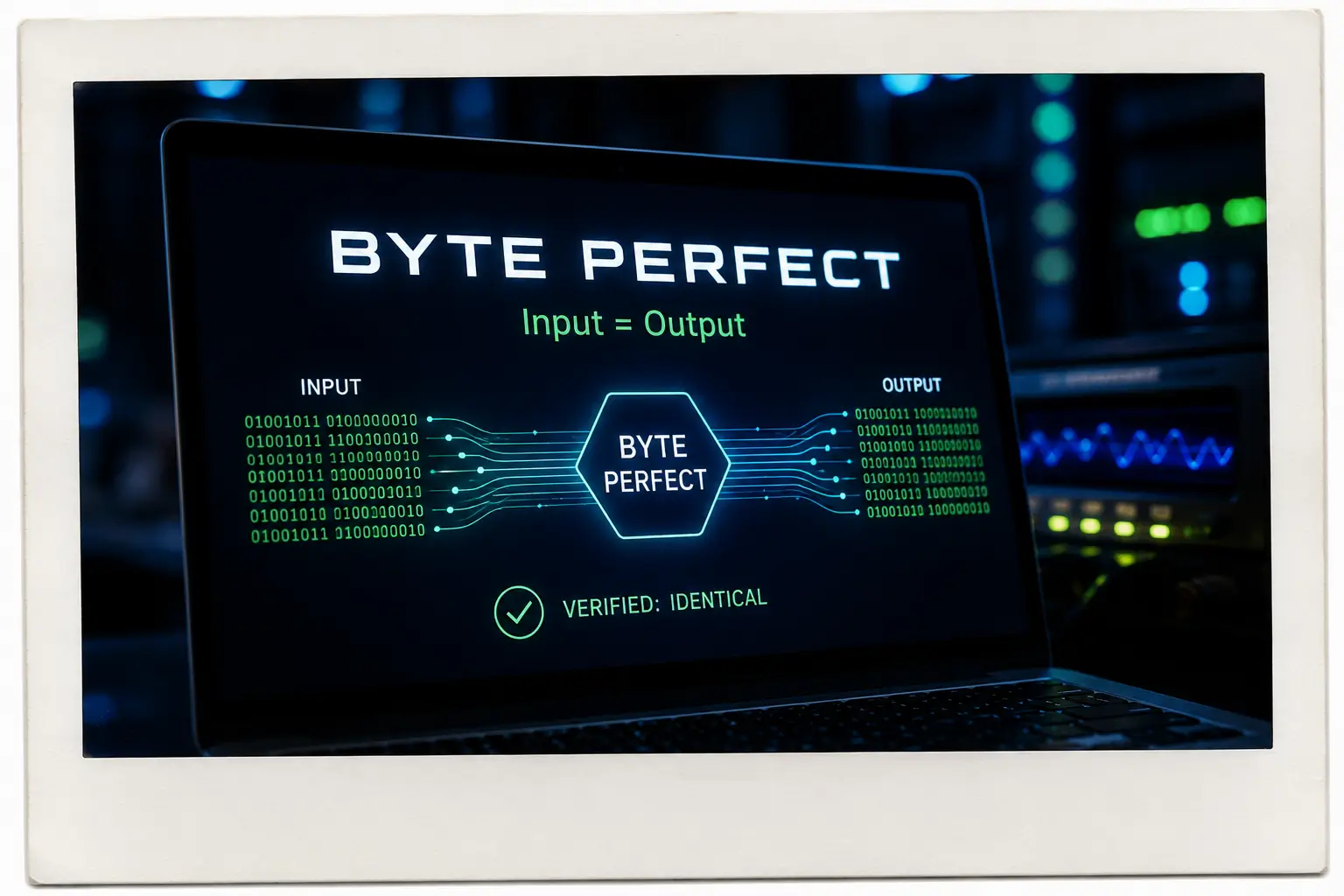
With nFOX, when you download a native model, we check its SHA256 fingerprint. It has to match perfectly. That means the downloaded model is byte-perfect with the original builder's published artifact. However, when someone converts a model into a GGUF, the bytes are naturally scrambled and compressed.
Because the fingerprint changes, there is no way to verify whether the third-party conversion was faithful or if it was quietly packed with malware. For instance, bad actors can exploit the GGUF file's metadata, which stores instructions like chat templates, by injecting hidden Python code that automatically executes the second the model is loaded onto your machine. We can make guesses based on the weight conversion, but it will never, never be byte-perfect.
The Takeaway
In a corporate setting, you should only ever run GGUFs that you converted yourself.
This is exactly why we built a GGUF converter directly into nFOX. The workflow is secure by design:
Verify: You download the original model, and we automatically verify its byte-perfect provenance.
Contain: We place that clean model into our secure, zero-trust Blockhouse sandbox.
Convert: We handle the GGUF conversion safely inside the Blockhouse sandbox.
This way, you know without a shadow of a doubt that your GGUF is clean.
This is not a knock on GGUF itself. It is a brilliant and highly important AI tool, and there are absolute legends in the open-source community who have gotten the technology to this point. But for a corporate environment, you must generate your own.
If you have a project that involves getting a lightweight AI onto a phone or a CPU, do the right thing and "roll your own" safely.